Static vs Dynamic QR Codes: Which Ones Never Expire
Why some "free" QR codes stop working after a trial, how to tell which kind you have, and how to get editable codes without renting them from anyone.
A restaurant prints 300 menus with a QR code on every one. Six weeks later the code leads to a page asking them to upgrade to a paid plan. The menus are now landfill.
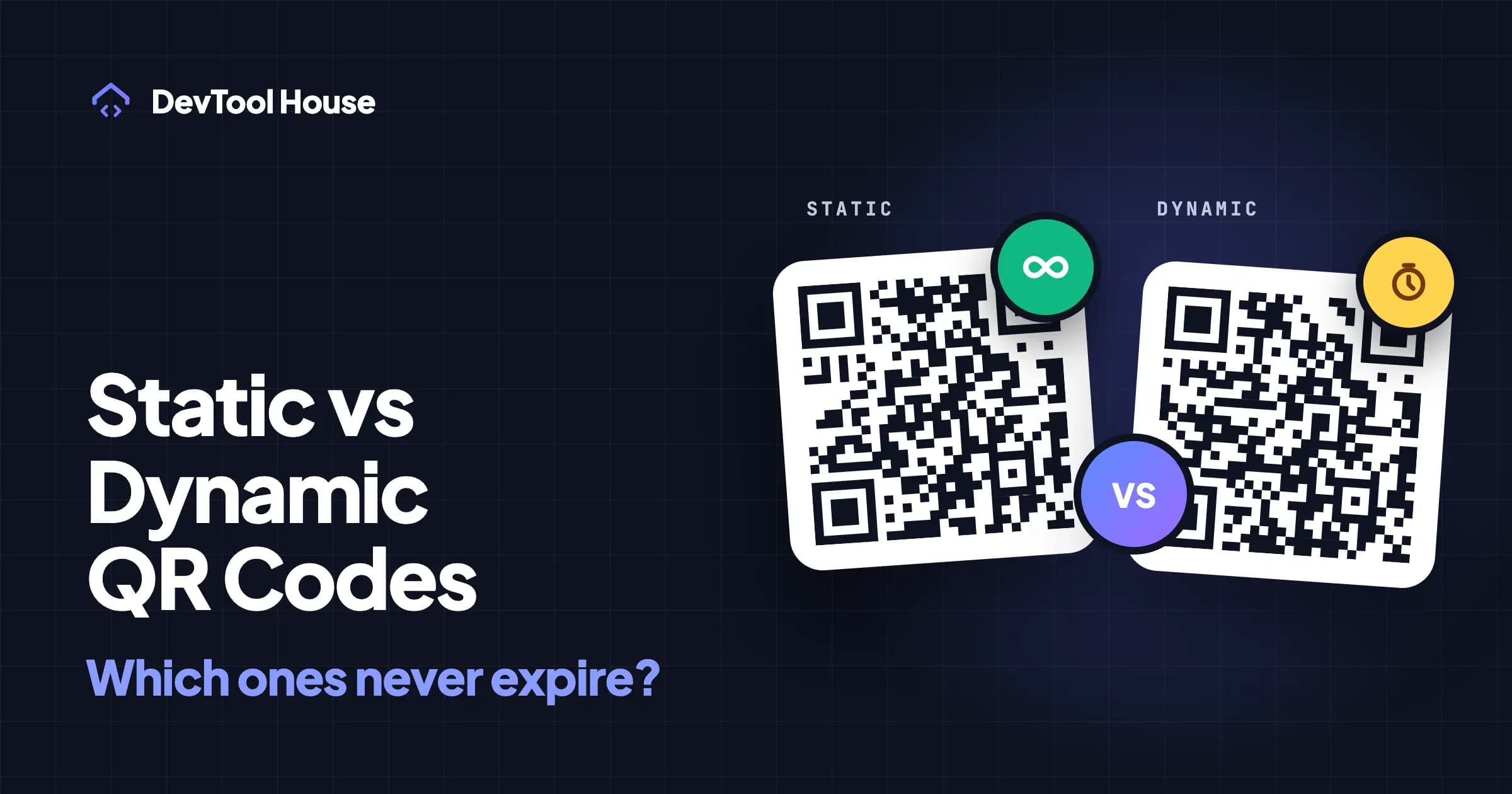
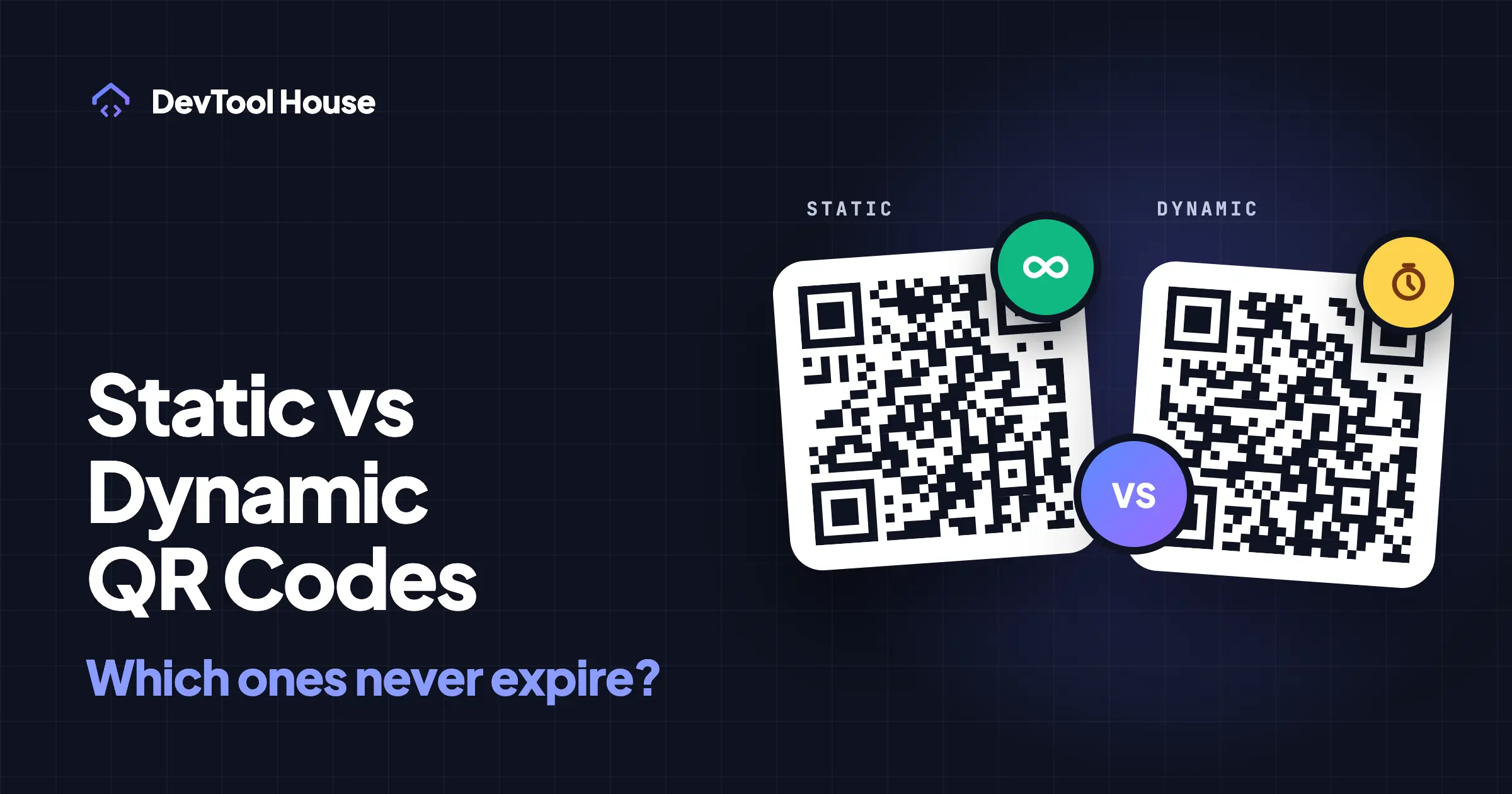
This happens constantly, and it comes down to one distinction nobody explains at the point where you generate the code: static codes and dynamic codes are two different products that look identical.
What a static QR code is
A static QR code contains your actual content. The pattern of black and white squares is the data — the URL, the WiFi password, the contact card — encoded directly into the image.
Nothing sits between the scanner and the content. When someone scans it, their phone reads the URL out of the pattern and opens it. There is no server in the middle, no account, and nothing to renew. A static code keeps working for as long as whatever it points at keeps working.
The trade-off: because the data is inside the image, changing the destination means generating a new image. A printed static code points where it points, permanently.
What a dynamic QR code is
A dynamic QR code contains a short URL belonging to the company that generated it — something like qrco.de/aX9k2 or t.ly/abcd. Scanning it hits that company's server, which looks up where you have told it to redirect, and forwards the phone there.
That indirection buys you two real features:
- You can change the destination after printing, without touching the printed code.
- You get scan analytics — how many scans, roughly where, on what kind of device, at what time.
And it introduces one real dependency: the code only works while that company keeps redirecting. If the free trial ends, the subscription lapses, the scan quota runs out, or the company shuts down, every printed copy breaks at once.
The comparison
| Static | Dynamic | |
|---|---|---|
| Where the data lives | Inside the image | On the provider's server |
| Expires | Never | When the plan, trial, or company ends |
| Edit destination after printing | No | Yes |
| Scan analytics | No | Yes |
| Ongoing cost | None | Usually monthly |
| Works offline (WiFi, vCard, text) | Yes | Not applicable — always a redirect |
| Who controls it | You | The provider |
| Pattern density | Grows with your URL | Always small (short URL) |
Why "free" dynamic codes stop working
Dynamic codes cost the provider money on every single scan, forever. Nobody can offer that free indefinitely, so free dynamic codes are a trial. Common patterns:
- Time-limited trial. Fourteen days is typical, then the redirect shows an upgrade page instead of your content.
- Scan limits. The first 500 or 1,000 scans work, then the code stops.
- Feature downgrade. The code keeps working but gains an interstitial ad page, or your logo is removed.
None of this is a scam — it is a subscription business, and the pricing page usually says so. The problem is that at the moment of generating a code, "free QR code generator" and "free trial of a dynamic QR code service" look like the same offer.
How to tell which kind you already have
You do not need any special tool:
- Scan your own code and look at the URL that appears before it redirects.
- If you see your own address —
yourcompany.com/menu— it is static. - If you see an unfamiliar short domain you have never registered, it is dynamic, and that domain is a dependency you do not control.
A second clue: dynamic codes are visually simpler, because a short redirect URL needs far fewer modules than a long destination URL. A very dense code is usually static and carrying your full URL.
When a dynamic code is genuinely the right answer
Static is not automatically better. Pay for dynamic codes when:
- The destination will definitely change and reprinting is expensive — product packaging with a manual that gets revised, a poster campaign whose landing page rotates.
- You need scan analytics to make decisions — comparing two placements, proving a campaign worked.
- You cannot control the destination URL — someone else owns the site and their URLs are unstable.
In those situations the subscription buys something real. Budget for it as an ongoing cost, the same way you would a domain renewal, and understand that you are renting the working code.
The middle path: static codes you can still redirect
Here is the approach most people actually want, and it needs no subscription.
Encode a URL on a domain you control, then redirect it yourself.
Print yourcompany.com/menu. Set that path to redirect to wherever the menu currently lives. When the menu moves, change the redirect — the printed code never changes, because it only ever pointed at your own address.
You get the editability of a dynamic code, the permanence of a static one, and the analytics come from your own server logs or analytics tool. The only thing you depend on is your own domain, which you were paying for anyway.
Practical notes:
- Use a short, readable path (
/menu,/wifi,/r/spring). Shorter URLs make a less dense, more scannable code. - Use a 301 redirect for permanent moves and a 302 when the destination rotates.
- Keep the path forever, even when the campaign ends — point retired codes at a sensible page rather than a 404.
If you do not have a website, a free link-shortener with a custom domain gets you most of the way, with the caveat that you are back to depending on that service.
For WiFi, contacts, and text, static is the only sensible option
The expiry question only applies to codes that point at a web address. A WiFi QR code encodes the network name and password directly, and a vCard encodes the contact details. There is nothing to redirect and nothing to host, so routing those through a third-party server would mean handing over your WiFi password or contact list for no benefit.
A checklist before you print anything
- Scan the code and confirm the URL you see is one you own.
- Confirm in writing whether the code expires. If the generator does not say, assume it is a trial.
- Keep the source file — the SVG or PDF — so you can reprint without regenerating.
- Test the printed proof at its real size and distance before the full run. The print size guide covers how big it needs to be.
- If it does not scan on a couple of different phones, fix it now — the troubleshooting list covers the usual causes.
Where our tool fits
The DevTool House QR code generator makes static codes only. Your link, WiFi password, or contact details are encoded directly into the image in your browser, and nothing is sent to a server — which also means there is no redirect to switch off later and no scan tracking to offer you. Download the SVG or PDF and it is yours permanently.
If you need editable destinations, use the middle path above: point the code at your own domain and redirect it yourself. If you need analytics and cannot run your own redirect, a paid dynamic service is the honest answer, and we do not sell one.
Try the related tools
Related articles
How to Create a WiFi QR Code for Guests (iPhone and Android)
Let guests join your WiFi by scanning instead of typing a 20-character password — how the format works, how to print it, and the security trade-off.
Read article
How to Make a QR Code for a Link, PDF, or Google Form
All three are the same job with different starting points. How to get a shareable link that will not break, and the permission mistakes that kill printed codes.
Read article