How to Make a QR Code for a Link, PDF, or Google Form
All three are the same job with different starting points. How to get a shareable link that will not break, and the permission mistakes that kill printed codes.
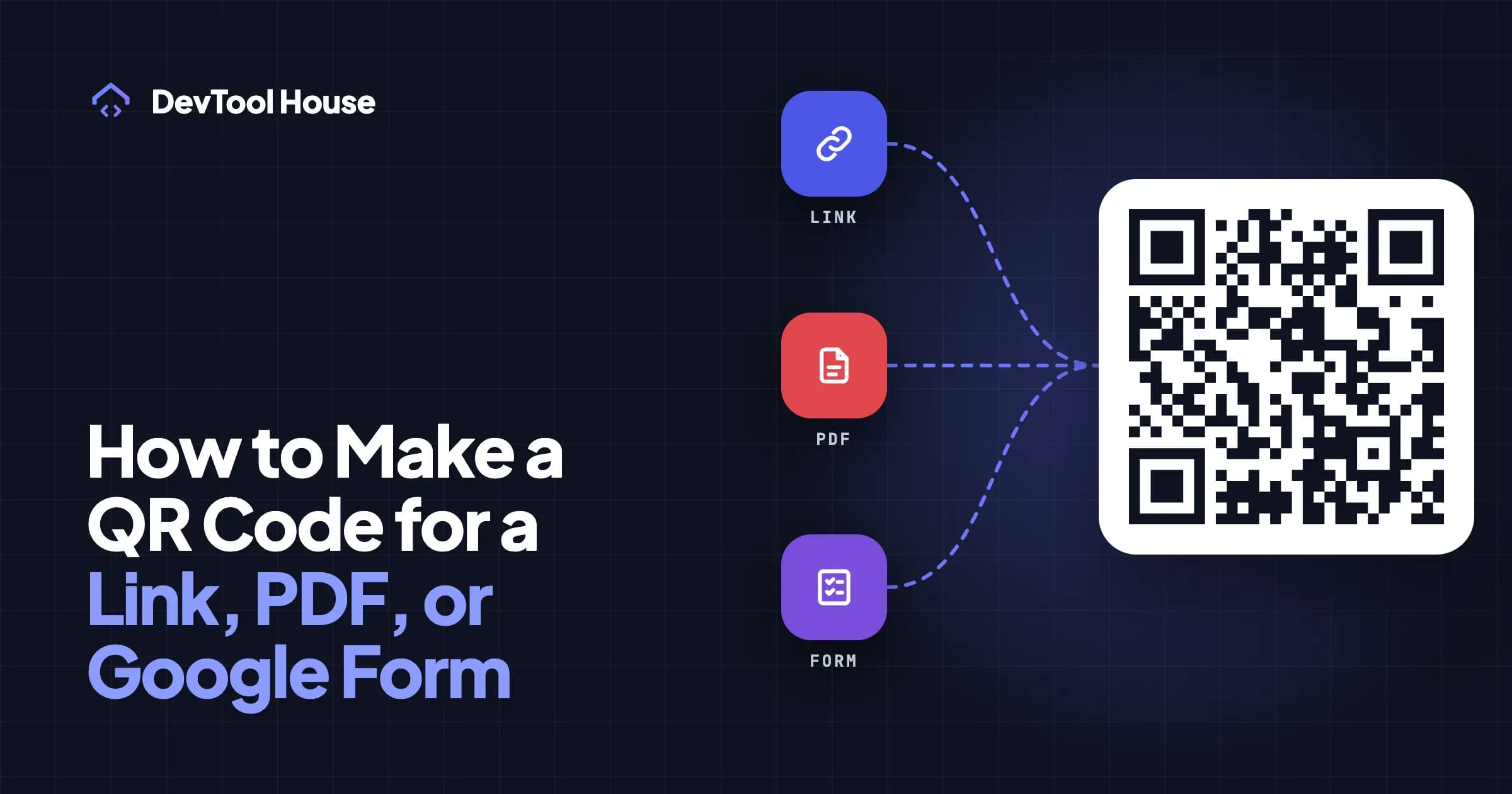
A QR code cannot hold a PDF. It holds a few hundred characters of text, which is roughly one paragraph — nowhere near a document.
So "a QR code for a PDF" always means the same thing: the code holds a link, and the link points at the file. Same for a Google Form, a menu, a video, or a website. The QR part is trivial. The part that goes wrong is the link.
The basic version: a web page
- Copy the full address, including
https://. - Paste it into the QR code generator on the URL tab.
- Download the PNG for screens, or SVG/PDF for print.
The one mistake worth naming: leaving off https://. Scanning example.com/menu shows some phones a line of plain text instead of opening the page. Our tool spots a bare domain and offers to add the prefix.
Two more habits that pay off:
- Shorter URLs make better codes. A long link with tracking parameters produces a denser grid that is harder to scan when printed small. Strip the
utm_parameters, or use a short path on your own domain. - Never encode a staging or localhost URL. It is obvious written down, and it still happens.
A PDF on Google Drive
Google Drive is the usual home for a PDF you want to share. The permission step is where printed codes die.
- Upload the PDF to Drive.
- Right-click the file → Share.
- Under General access, change "Restricted" to Anyone with the link, with the role set to Viewer.
- Click Copy link.
- Paste that link into the generator.
Test it in a private browsing window before printing. Signed into your own account, a restricted file opens perfectly for you and for nobody else. A private window shows you what a stranger sees. This single check prevents the most common failure with printed document codes.
Notes:
- The link opens Drive's preview page, where people can read it and download it. That is usually what you want.
- Drive's "direct download" URL trick exists, but Google may show a scan warning for large files, and the format has changed before. For a printed code that has to keep working, the normal share link is the safer choice.
- Dropbox and OneDrive work the same way: create a share link, check it in a private window.
- If you own a website, host the PDF there instead —
yoursite.com/menu.pdfis shorter, produces a cleaner code, and cannot be broken by someone reorganising a shared drive.
A Google Form
- Open the form and click Send.
- Choose the link tab (the chain icon).
- Optionally tick Shorten URL, which produces a shorter, less dense code.
- Copy the link and paste it into the generator.
Check the form's settings before you print anything:
- "Limit to 1 response" and "Restrict to users in your organisation" both require sign-in. If your audience is the general public, both will block them.
- A closed form shows "no longer accepting responses" to every scan. If the form is seasonal, point the code at a page you control that redirects to the current form instead.
That last point generalises: for anything that will be replaced next term, next season, or next year, encode a link on your own domain and redirect it. The reasoning is in static vs dynamic QR codes.
Other things people mean by "a QR code for X"
| You want a code for | What to encode |
|---|---|
| A video | The YouTube or Vimeo link |
| A menu | The menu page or PDF link, ideally on your own domain |
| An app | The App Store or Play Store link, or a landing page that detects the platform |
| A location | Use the Location type — an address or a Maps link |
| A WhatsApp chat | Use the WhatsApp type — your number and an optional message |
| Google reviews | Use the Google Review type — the "Ask for reviews" link from your Business Profile |
| A calendar event | Use the Event type — this one is encoded directly, no link required |
| WiFi | Use the WiFi type — see the WiFi guide |
The first four are links. The rest have their own formats and are handled by picking the matching type in the generator.
Should you shorten the URL?
Shorter URLs make less dense codes, which scan more reliably at small sizes. There are three ways to get one, and they are not equal:
| Approach | Pros | Cons |
|---|---|---|
A short path on your own domain (yoursite.com/menu) |
You control it forever, and you can change where it points | Needs a website and a redirect |
| A public shortener (Bitly, TinyURL) | Free, instant | Someone else controls it; links can be flagged as spam, and free tiers change terms |
| No shortening | Nothing to break | Long URLs make dense codes that need a larger print size |
For anything printed in quantity, the first option is worth the ten minutes it takes. It is also what keeps a printed code useful when the destination moves — see static vs dynamic QR codes.
One caution on public shorteners: some corporate networks and email filters block the common ones, and a scan that ends in a security warning is worse than a long URL.
Test it like a stranger would
Before a print run:
- Private browsing window on a desktop — does the link open without a login?
- Mobile data, not WiFi — office WiFi may reach an internal address that the public cannot.
- Two different phones, ideally one iPhone and one Android.
- Printed proof at final size, from the distance people will actually stand at.
Printing
Use SVG or PDF for anything that goes to a printer. Both are vector, so the printer can scale them without the blurring that kills a small raster image. For size, the rule of thumb is the code should be about one tenth of the scanning distance, never smaller than 2 cm — the size guide has a table.
Add a line of text under the code saying where it goes ("Scan for the menu"). It measurably improves the number of people who bother, and it gives anyone without a working camera something to search for.
If it does not work
Most failures come down to the link rather than the code: a permission setting, a closed form, a URL that only resolves inside your network. Scan your own code and read the URL it shows before blaming the pattern. If the pattern really is the problem, work through why QR codes fail to scan.
Try the related tools
Related articles
Static vs Dynamic QR Codes: Which Ones Never Expire
Why some "free" QR codes stop working after a trial, how to tell which kind you have, and how to get editable codes without renting them from anyone.
Read article
How to Create a WiFi QR Code for Guests (iPhone and Android)
Let guests join your WiFi by scanning instead of typing a 20-character password — how the format works, how to print it, and the security trade-off.
Read article