How to Make a Birthday Surprise Website for Free (No Code)
A birthday surprise website is one link that opens into something made for one person. Here are three ways to make one — with no code, with a GitHub template, or with a site builder — and how to make it land.
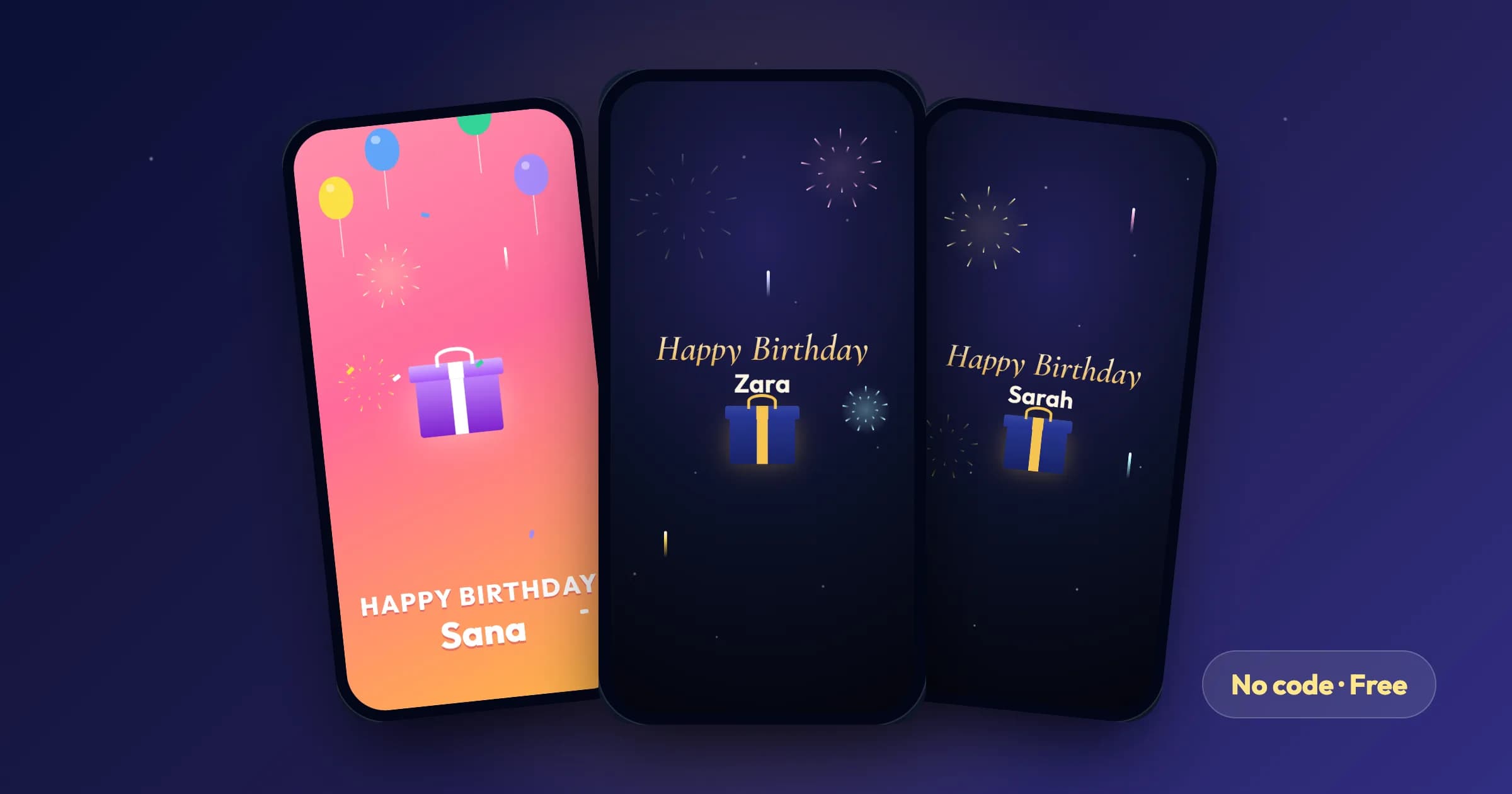
A birthday surprise website is a single link that opens into something made for one person: their name, a moment of suspense, your photos, a few words from you and, usually, music. It is the modern version of a hand-made card — and it works just as well for someone across the world as for someone across the room.
You do not need to be a developer to make one. There are three realistic ways to do it, and the right one depends on how much time you have and how much control you want.
The three ways, compared
| No-code surprise maker | GitHub template | Website builder | |
|---|---|---|---|
| Time | 2–5 minutes | 30–90 minutes | 30–60 minutes |
| Skills needed | None | HTML, Git, deploying | Drag and drop |
| Cost | Free | Free (GitHub Pages or Vercel) | Free tier, often with the builder's branding |
| Their name, photos, music | Yes | Yes, you edit the files | Yes |
| Opens at midnight with a countdown | Built in | You have to code it | Usually not |
| Interactive moments (blow out candles, open a gift) | Built in | If the template has them | Rarely |
| Private and hidden from Google | Yes | Only if you add noindex and keep the repo private |
Depends on the builder |
If you want it done tonight, use a surprise maker. If you are a developer and want to build it yourself, a GitHub template is a fun weekend project. A website builder sits in between and suits long photo-heavy pages more than surprises.
Option 1: No code — make a birthday wish link in two minutes
This is the route we built WishBox for. It is free, needs no account, and the result is a private link that plays like a small birthday website.
- Open the birthday surprise maker and choose who it is for — partner, parent, sibling, best friend, colleague or boss.
- Pick a vibe: romantic, heartfelt, funny, elegant or nerdy. WishBox suggests a template to match — Midnight Fireworks, Party Gift Box or a Terminal theme for developers.
- Type their name. It is the first thing they see, in lights.
- Choose a message from hundreds of ready-made wishes, or write your own letter.
- Add up to six photos with captions. They are compressed on your phone and location data is removed before upload.
- Set their age for the candles and choose the music.
- Decide when it opens. "Right away", or "midnight on their birthday" in their timezone — before then, the link shows a live countdown instead of the surprise.
Publish, and you get a link to send on WhatsApp, Instagram or by text. When they open it, they tap a gift, the lights go out, their name appears in gold with fireworks, they blow into the phone to put out the candles, your photos float past and your letter unfolds. You can see when they opened it and read their reply.
Option 2: The developer way — a GitHub birthday website
Search GitHub for the birthday-website topic and you will find hundreds of HTML, CSS and JavaScript templates. The workflow is the same for most of them:
- Fork the repository so you have your own copy.
- Edit the content. Names and messages usually live in
index.htmlor a smallconfig.js. Photos go in animages/folder — resize them to around 1200 px wide first so the page loads quickly on mobile data. - Deploy it. On GitHub Pages: Settings → Pages → Deploy from branch → main. On Vercel: import the repository and click deploy. Both are free and give you an HTTPS link.
- Test it in WhatsApp. Send the link to yourself and open it inside WhatsApp's built-in browser, not only in Chrome — that is where most surprises are actually opened.
Three things templates often get wrong:
- Music does not autoplay. Browsers block sound until the visitor taps something. Start the music from a "tap to open" button, never on page load.
- Your photos are public. A public GitHub repository exposes every photo you commit. Make the repository private (GitHub Pages then needs a paid plan, so Vercel is easier), and add
<meta name="robots" content="noindex">so the page never appears in Google. - No scheduling. A link sent at 11 pm is opened at 11 pm. If you want it to open at midnight, you need to add a countdown yourself.
Option 3: A website builder
Google Sites, Canva websites and similar builders let you drag photos and text onto a page and publish it for free. They are good for long memory pages — a wedding anniversary timeline, a group tribute from many friends. For a surprise, they lack the opening moment: the page is simply there, all at once, the second the link is tapped.
How to make it land
- Lead with their name. The first screen should say it. It is the moment they realise it was made for them.
- Keep the message short and specific. Three sentences that mention one real memory beat a long poem. If you are stuck, start from wishes written for a girlfriend, a boyfriend, a wife, a best friend or a sister, and change one detail.
- Pick photos with a story. An old photo and a recent one side by side does more than six nearly identical selfies.
- Time it. Send the link early and lock it until midnight. The countdown builds the moment instead of spoiling it.
- Test on a phone before you send it. Especially sound, and especially inside WhatsApp.
FAQ
Is there a free birthday surprise website maker? Yes. WishBox is free with no signup: add their name, photos, music and a message, and share one link. It stays online for 30 days after it opens, then it is deleted.
Can I make a birthday website for my girlfriend without coding? Yes. Choose Girlfriend and the Midnight Fireworks template, add your photos and a letter, and lock it until midnight on her birthday.
Will the surprise show up on Google?
It should not. WishBox surprise links are long and unguessable and tell search engines not to index them. If you build your own page, add a noindex meta tag.
Does it work on iPhone and Android? Any modern browser works, including inside WhatsApp, Instagram and Telegram. If the microphone is off, candles can be blown out with a tap instead.
Related articles
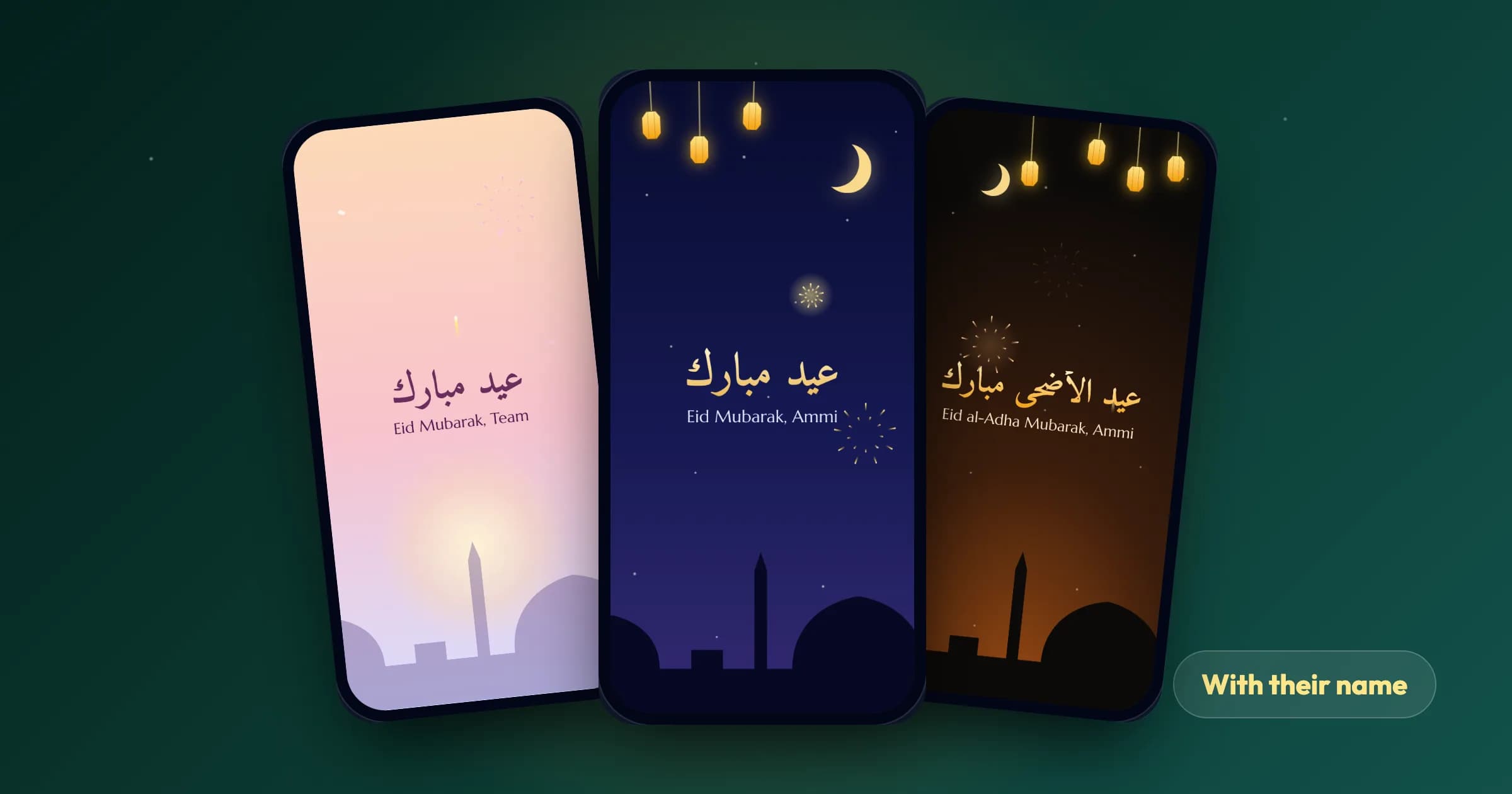
Eid Mubarak Card With Name: 3 Free Ways to Make One (2027)
Three free ways to make an Eid Mubarak card with someone’s name — name-on-image editors, a design tool, or an animated card link — with their honest pros and cons, and what to write inside.
Read article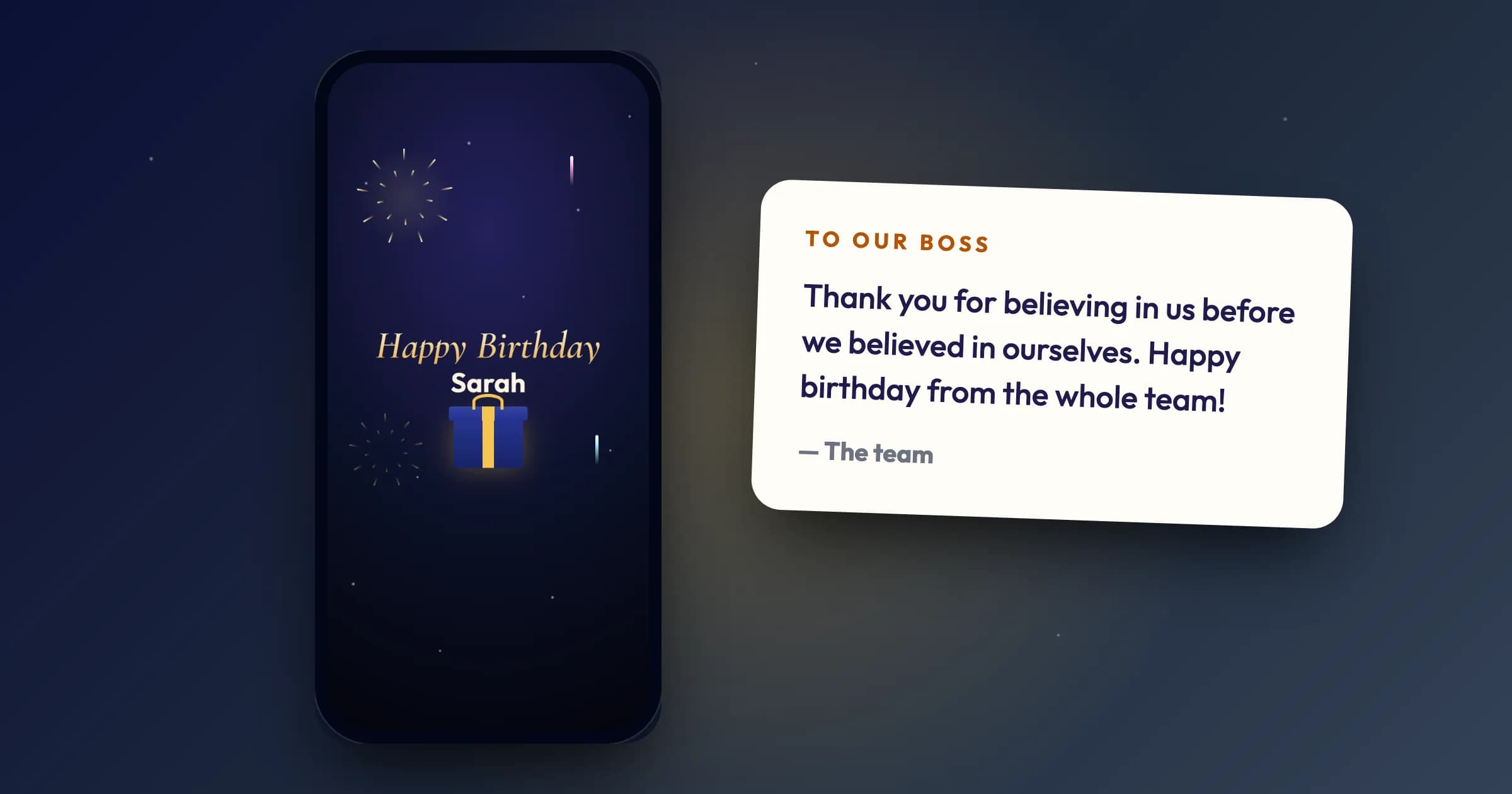
What to Write in a Birthday Card for Your Boss (20 Examples)
A simple formula for a birthday message to your boss that is warm without being awkward, 20 examples for every kind of workplace, what to avoid, and how to send one from the whole team.
Read article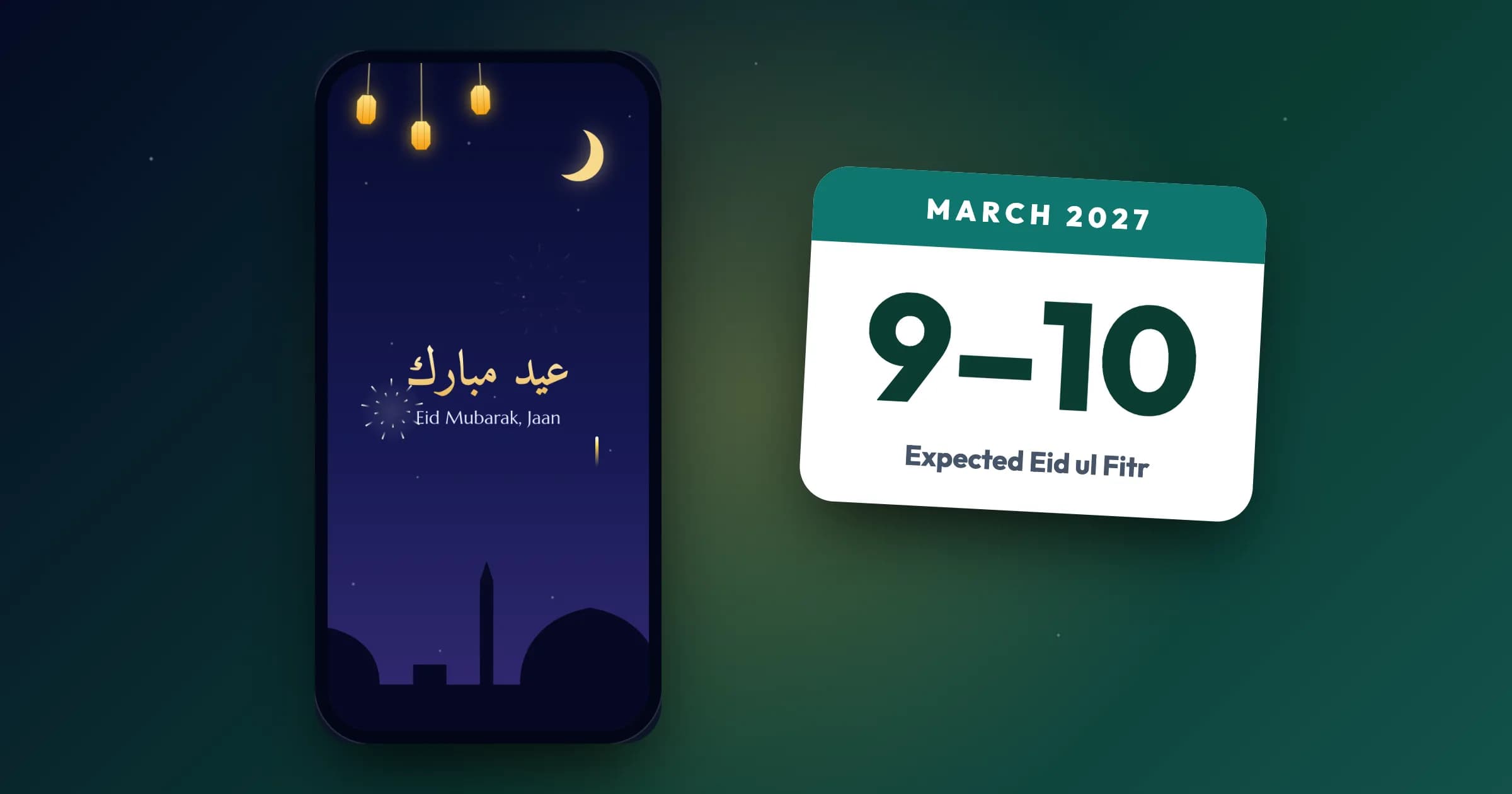
Eid ul Fitr 2027: Expected Date, Chaand Raat and Eid Wishes
Eid ul Fitr 2027 is expected on Tuesday 9 or Wednesday 10 March 2027, depending on the moon. When Ramadan 2027 starts, what happens on Chaand Raat and Eid day, and how to wish Eid Mubarak.
Read article